Accounting Software Download for Windows
If you are specifically looking for accounting software download for Windows, ApexLedgerPro Free gives you a local desktop workflow designed around Windows installation, desktop navigation, local company files, and everyday bookkeeping tasks.
The product is built for users who want invoicing, reports, chart of accounts control, and day-to-day accounting activity inside a Windows application instead of a browser-first experience.
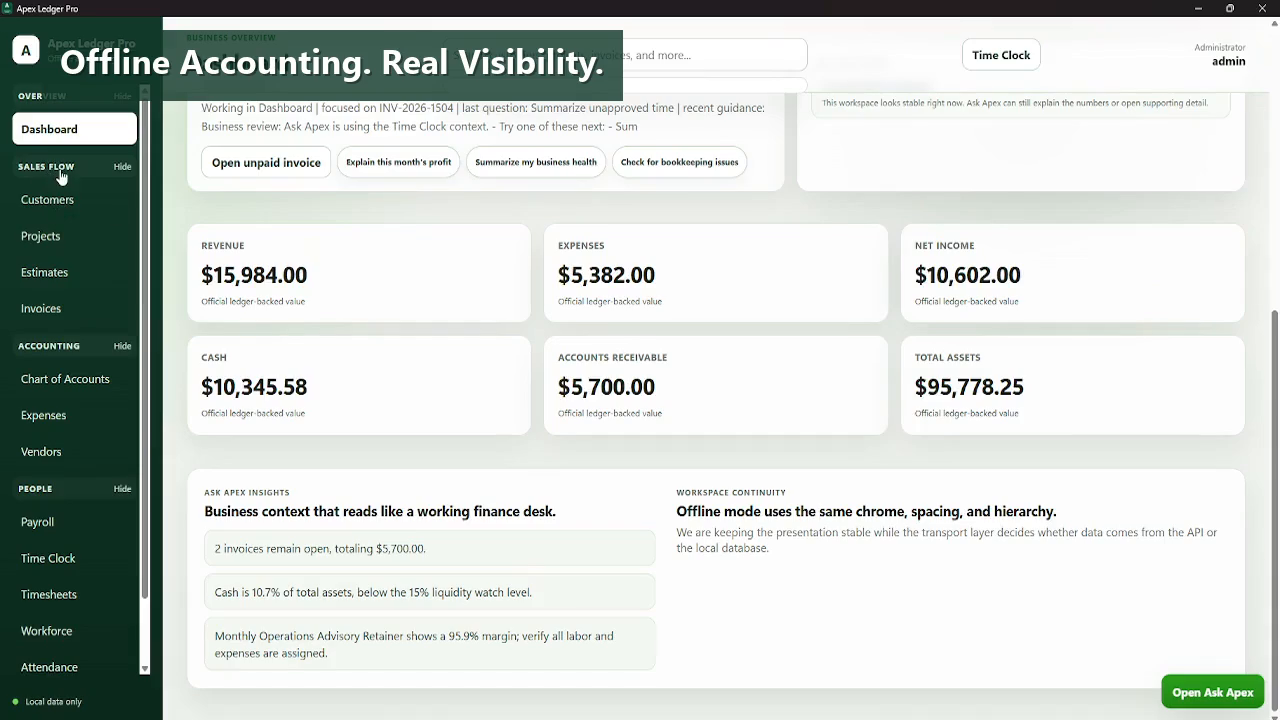
Download the working Free Edition for core accounting now, then move into Ask Apex, planning tools, forecasting, and broader analysis later by activating Founder Edition in the same installation.
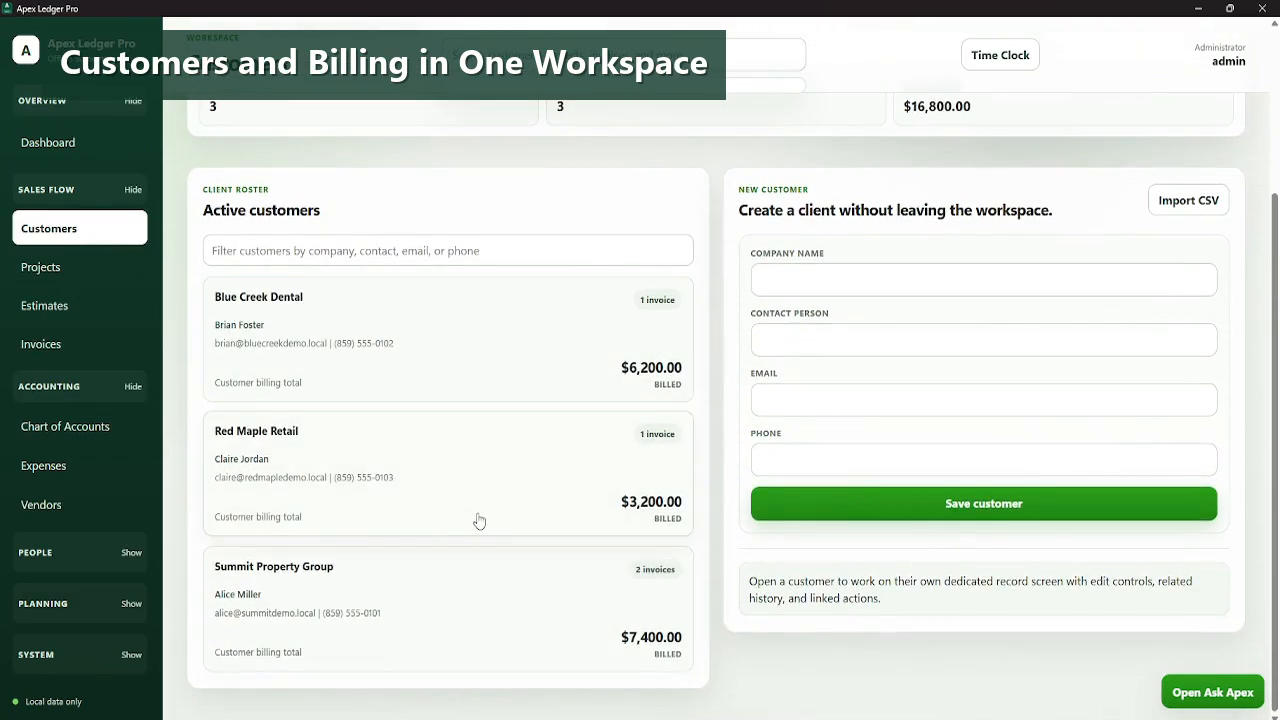
Windows users usually want more than a cloud sign-up page.
A lot of accounting download searches come from people who want a product they can install on a Windows computer, launch locally, and keep using even when they do not want their whole workflow tied to a browser tab. ApexLedgerPro Free is designed around that expectation.
It gives small businesses a Windows desktop accounting shell with invoices, transactions, journal entries, reports, search, and backups, then leaves the door open for Founder Edition features later.
- Built for Windows 10 and Windows 11 desktop installation.
- Navigation and workflow designed for local desktop accounting use.
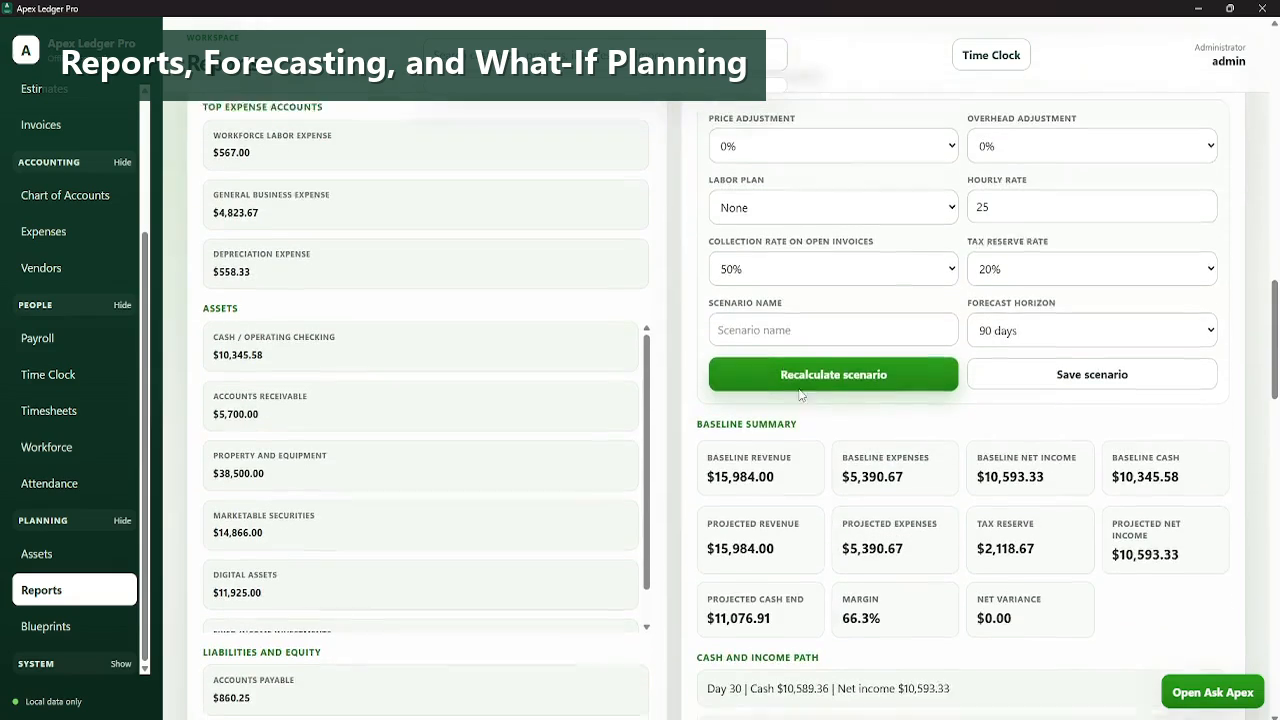
- Core accounting reports and ledger views included in the Free Edition.
- Screenshot-backed product tour so visitors can preview the interface before installing.
- Founder Edition upgrade path available without changing installations.
Made for Windows desktop accounting work.
Explore the rest of the software download pages.
Questions people ask before downloading.
Is ApexLedgerPro compatible with Windows 11?
Yes. ApexLedgerPro is positioned for Windows 10 and Windows 11 users who want a local accounting software workflow.
Does the Windows version include invoices and reports?
Yes. The Free Edition includes customers, invoices, daily transactions, chart of accounts, journal entries, and core financial reports.
Do I have to start with Founder Edition?
No. You can begin with the Free Edition and upgrade inside the app later if you want advanced AI, forecasting, and planning tools.
Can I see screenshots before downloading?
Yes. The screenshots page shows the modern interface, and this page also includes current product imagery from the live product flow.
Why use a Windows accounting download instead of a browser-only app?
For some businesses, a Windows desktop workflow feels more stable, more direct, and less dependent on always working through a cloud-first interface.