Common questions about Free Edition, Founder Edition, and activation.
This page explains the practical parts of getting started: where Free ends, where Founder begins, how in-app activation works, and what users should expect from the upgrade path.
What is included in ApexLedgerPro Free?
Free Edition is designed to cover the core accounting workflow: dashboard, customers, invoices, chart of accounts, daily transactions, journal entries, expenses, core financial reports, search, basic audit trail, local backups, settings, and the about screen.
What does Founder Edition unlock?
Founder Edition expands the same installation with premium capabilities such as Ask Apex AI Copilot, advanced planning and what-if tools, tax estimator workflows, job costing, budgeting, asset management, net worth tracking, and additional Founder-only visibility features.
Do I need to reinstall to upgrade?
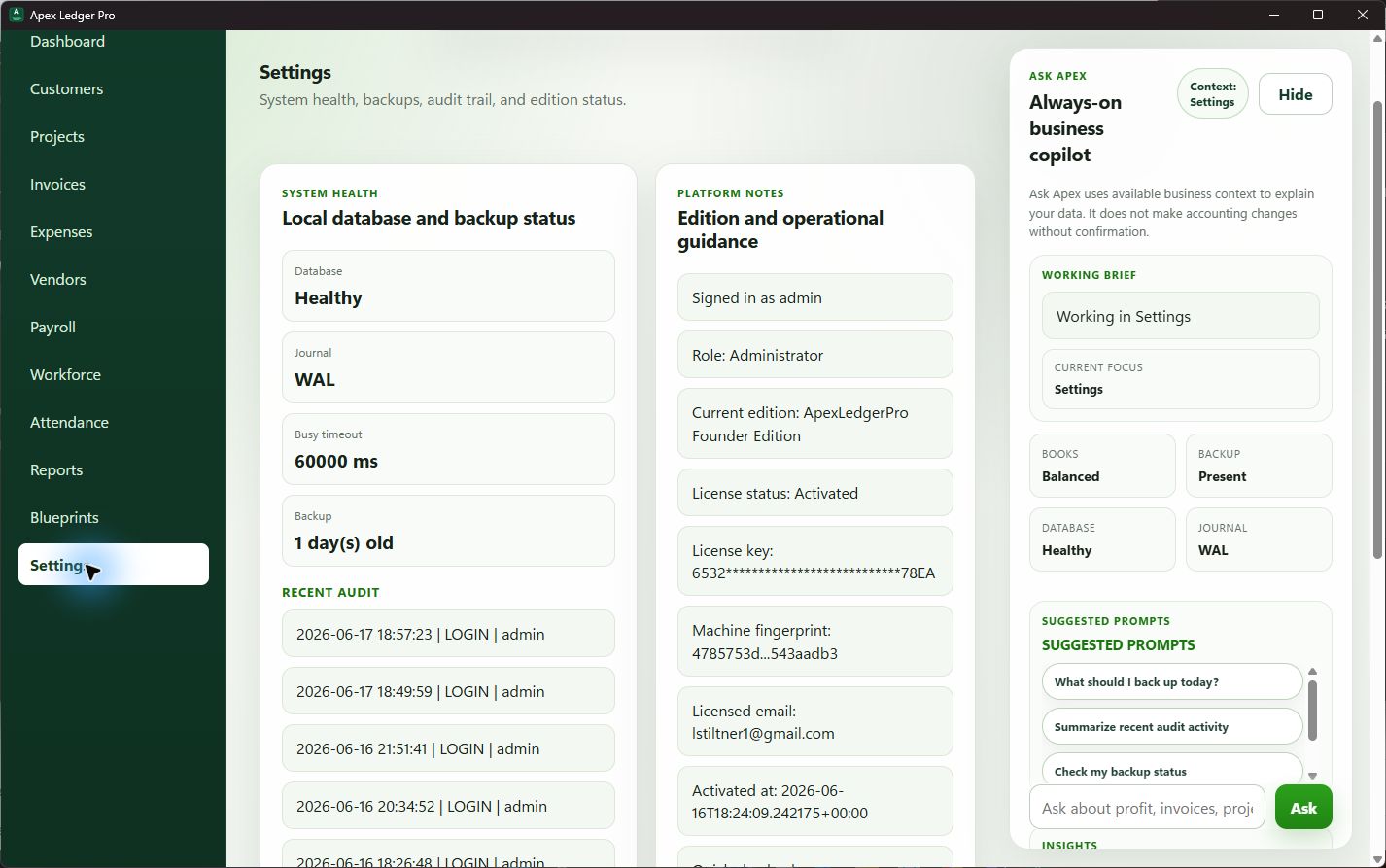
No. Free Edition and Founder Edition use the same app installation. The upgrade path is designed so users can activate Founder Edition in-app with a license key and keep working in the same environment.
How does activation work?
Users can purchase a Founder Edition license and activate it from inside the app. The software stores activation locally so the edition state is tied to the installed product experience rather than forcing users to maintain two different editions.
Can I explore the interface before upgrading?
Yes. The screenshots page and current product-tour pages are meant to show the real interface so buyers can understand the workflow before deciding whether Free or Founder is the right fit.
Where should I go next?
If you are ready to try the product, start with the Free Edition download. If you want to understand the premium path first, compare editions or review the current screenshot tour.