ApexLedgerPro vs Xero
ApexLedgerPro is built for small businesses that want offline accounting software, local data ownership, AI-powered financial insights, and a one-time purchase option.
This page is meant to help small business owners compare desktop ownership and offline access against cloud-centric accounting workflows in a fair, practical way.
Quick summary
ApexLedgerPro is built for small businesses that want offline accounting software, local data ownership, AI-powered financial insights, and a one-time purchase option.
Comparison table
Pricing direction
ApexLedgerPro offers a Free Edition for core workflows and a Founder Edition upgrade path for advanced features. That is a different ownership model from subscription-centered cloud accounting platforms.
Rather than pinning this comparison to exact competitor pricing that can change, these pages frame the tradeoff more simply: ApexLedgerPro emphasizes one-time ownership options and local control, while Xero is commonly considered by businesses comfortable with recurring cloud software costs.
Offline vs cloud
Offline accounting still matters for many small businesses because it keeps daily work available during outages, travel, unstable connections, or intentionally low-connectivity environments.
Xero is built around cloud access and connected collaboration. ApexLedgerPro is a stronger fit for businesses that want the accounting workflow to stay available even when internet access is unreliable or intentionally limited.
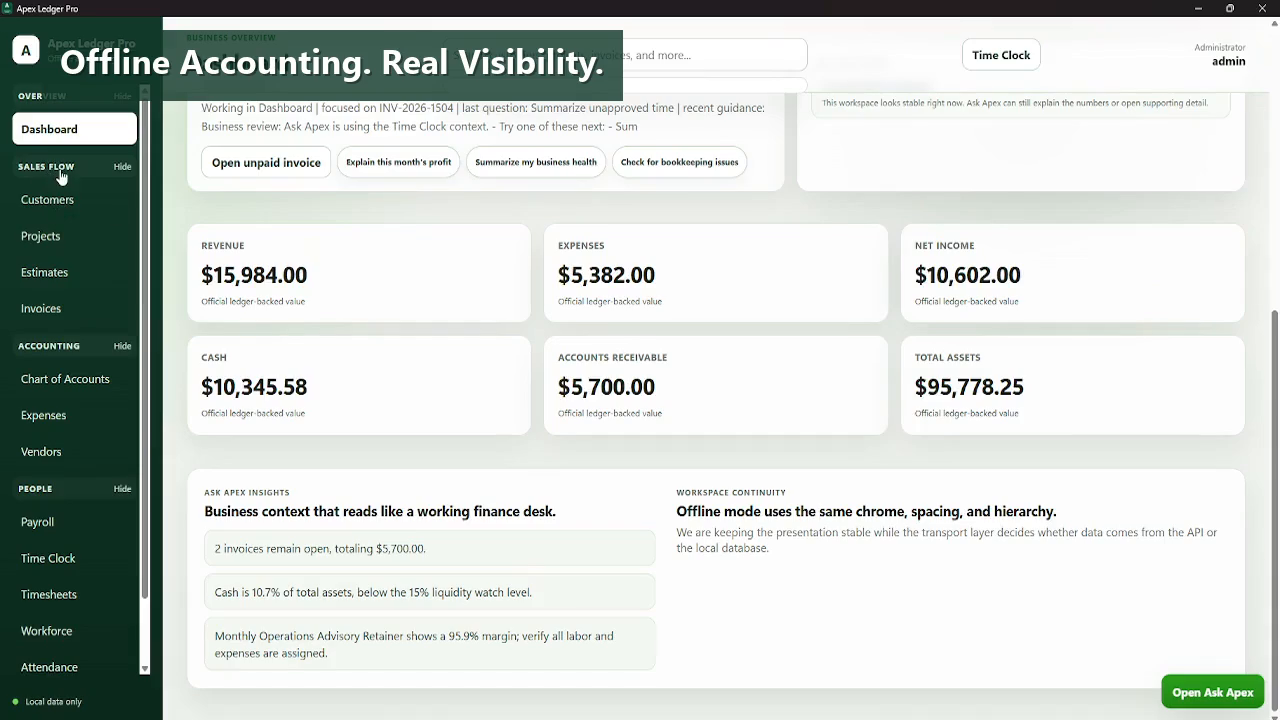
Data ownership
ApexLedgerPro emphasizes local data control and a contained desktop workflow. That matters for owners who want to keep backups, records, and daily accounting operations closer to home.
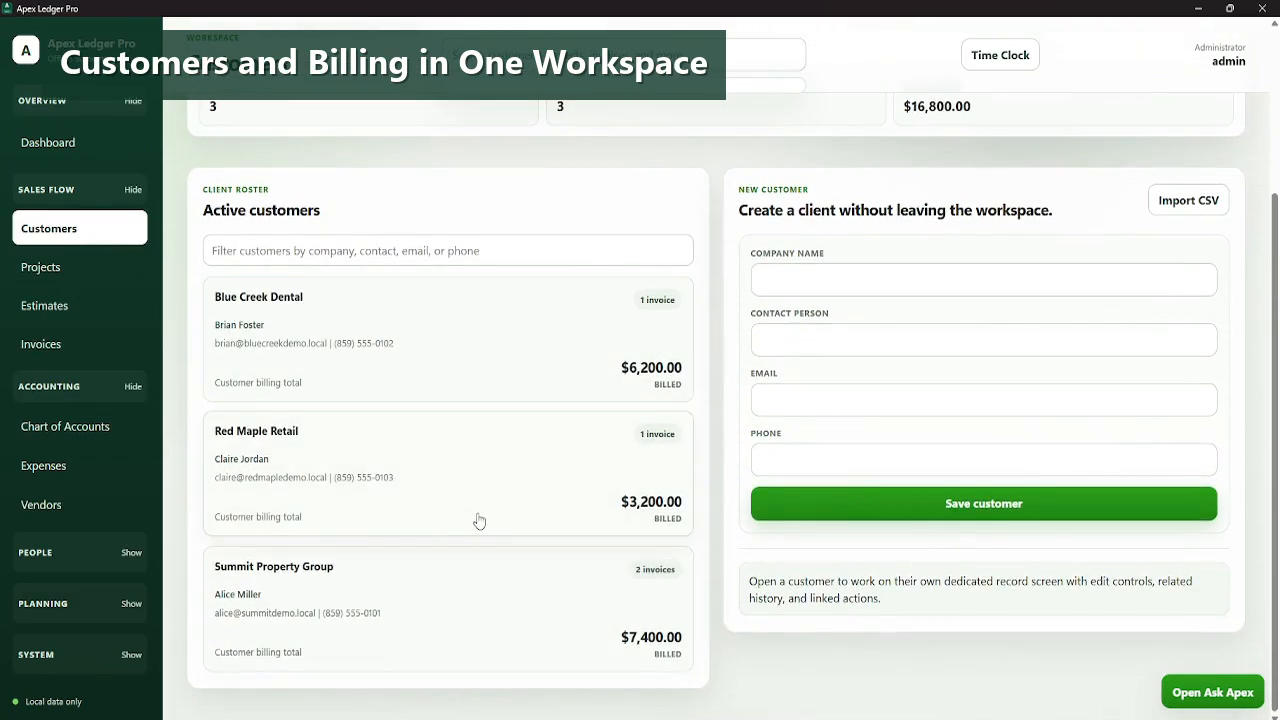
Ask Apex AI Copilot
Ask Apex adds report explanations, bookkeeping issue review, business health summaries, and practical next-step guidance while keeping the assistant read-oriented and business-focused.
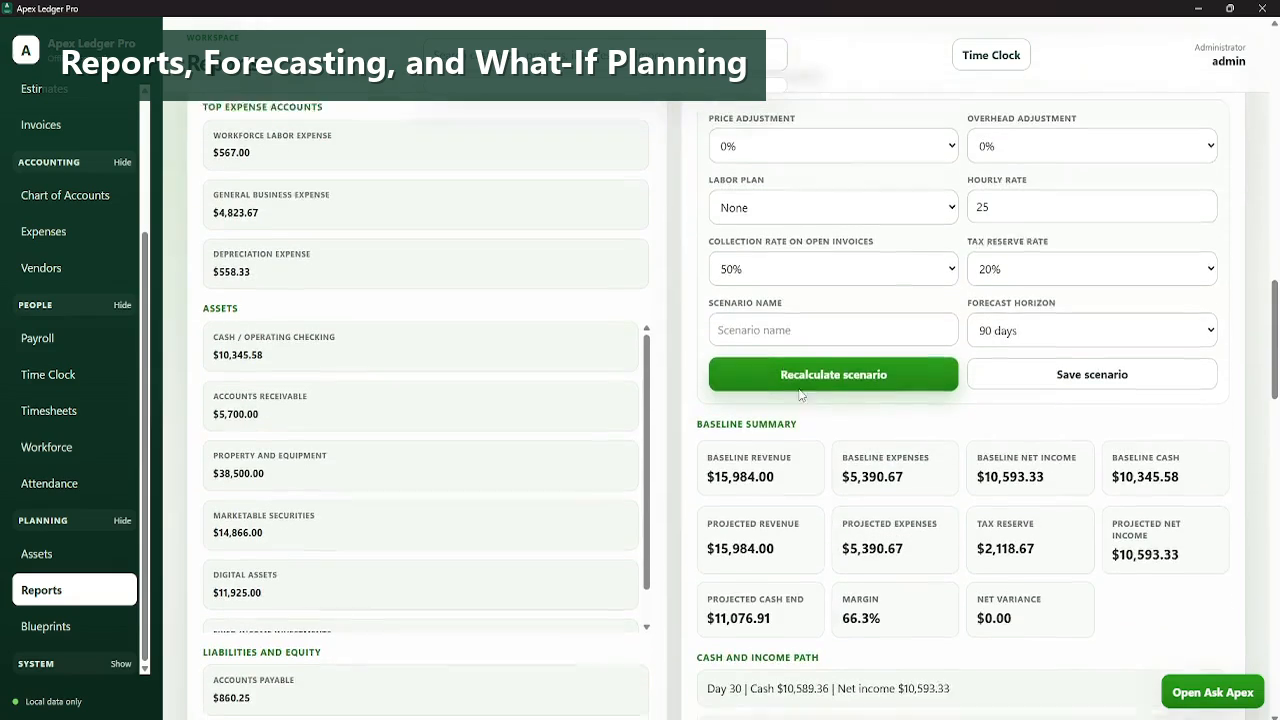
What Ask Apex can help explain
- Why profit changed this month
- What unpaid invoices need attention
- Whether bookkeeping issues stand out
- What to focus on first based on business health
Who should choose ApexLedgerPro
- You want offline desktop accounting rather than a cloud-first ledger.
- You want local data ownership and simpler backup control.
- You want AI guidance without changing the books automatically.
- You want a one-time Founder Edition path instead of another recurring subscription.
Who may prefer Xero
- You need cloud collaboration with remote staff or advisors.
- You want a deeper app ecosystem and connected services.
- You prefer mobile-friendly cloud bookkeeping from the start.
- You rely on accountant workflows built around Xero.
Explore related paths
Frequently asked questions
Is ApexLedgerPro a good Xero alternative?
Yes, especially for businesses that want offline accounting software, local data control, and a desktop workflow instead of a cloud-first system.
Who may prefer Xero over ApexLedgerPro?
Businesses that need cloud collaboration, accountant connectivity, app marketplace flexibility, or mobile-first bookkeeping workflows may prefer Xero.
Does ApexLedgerPro work better without internet?
ApexLedgerPro is positioned around offline desktop use, so it is a better fit for businesses that want the accounting workflow to remain usable without depending on constant internet access.
Does Xero have more integrations?
Xero is known for cloud integrations and app marketplace depth. ApexLedgerPro is better positioned for owners who value simpler ownership and a more contained desktop workflow.
What does Ask Apex add?
Ask Apex helps explain profit changes, summarize business health, check bookkeeping issues, and point users toward the most important next steps.
Can I start with ApexLedgerPro Free?
Yes. ApexLedgerPro Free covers the core accounting workflow and can be upgraded later to Founder Edition without reinstalling.